TITANFALL 2 BOMBING RUN
SOLO PROJECT UNREAL ENGINE 5 BLOCKOUT
TITANFALL 2 BOMBING RUN
RESPONSIBILITIES:
Designed layouts of the entire map.
Modeled and built the map in UE5, including small scale props, architecture details and pieces, and train cars.
Implemented AI, gameplay, low poly rocks, asset packs for gameplay. Designed enemies locations and patrol routes.
SOFTWARE USED: UE5, Blueprints, Block mesh, UE5 modeling tool, Photoshop, Splines.
ASSET PACKS USED: FPS Starter kit, Titanfall Movement System, Luo's Modular Rocks and Caves, and Rock Environment Pack. This can all be found on FAB
Design Intentions :
Design a high- mobility FPS level based on Titanfall 2
Design spaces that utilizes both movement and combat capabilities
Improve scripting skills by modifying existing scripts to work with new ones and creating new scripts.
Build a complete mission with a start, middle, and end
Create combat encounters that provide room for different approaches.
FULL WALKTHROUGH
2D LEVEL MAP
MIRO BOARD
I start with planning using a miro board. Here I write down my ideas and organize the level flow and story beats. I also include my 2d map and gather references for the areas and objects I plan to create and put in my level.
FIRST 2D MAP
Initial questions
How will this space feel to the player?
How can I combine movement elements in combat spaces?
What if the player moves in the opposite direction of the train?
How will the player know to get off and on the train?
Does the start fall flat and would it be better to have more of a build up to the train rather than starting right by it?
METRICS GYM
The metrics gym helped inform my level metrics through having a playground to test guns, jump height, wall run length and time, and combat. .
Shooting range to test guns.
Simple combat room to test cover height.
Jump course to test jump height and distance.
Wall run and Jump course to test wall run and jump height and distance.
Area Break Downs
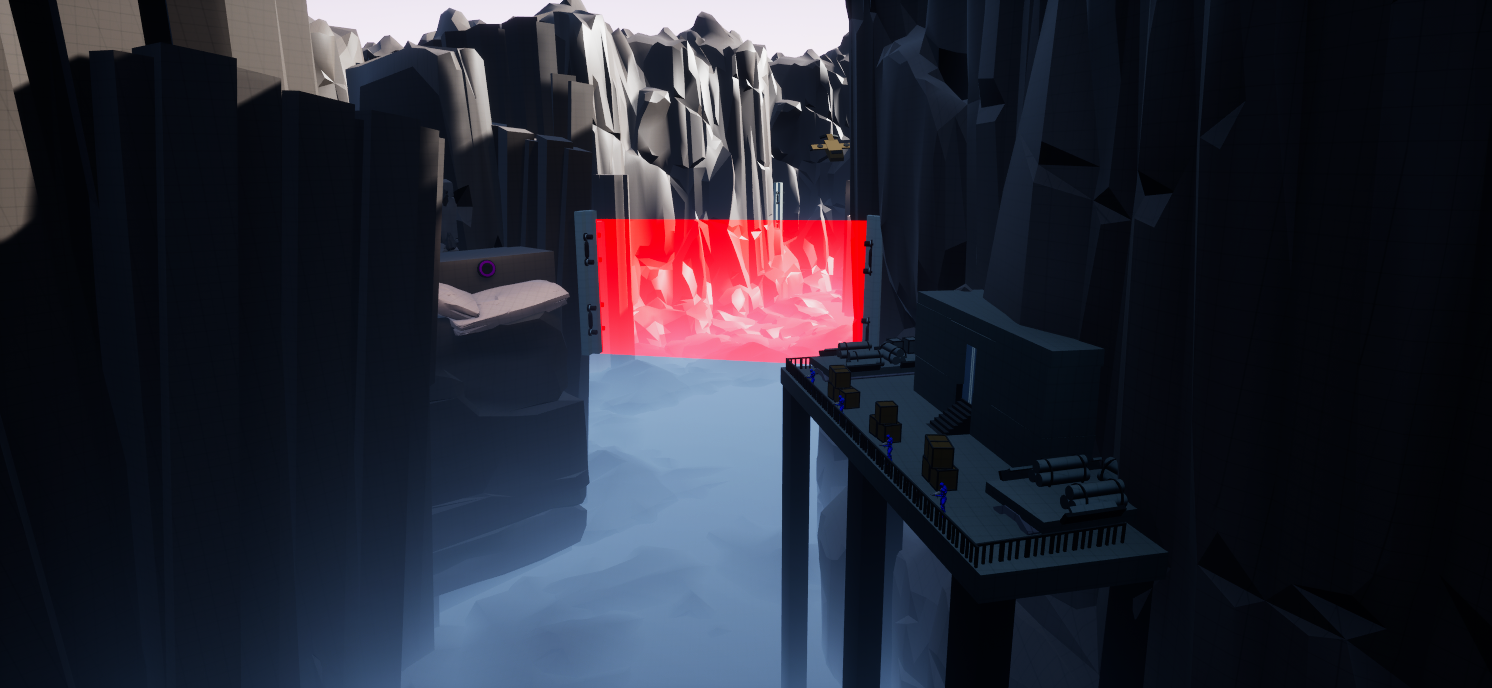
Start of level that hooks the player.
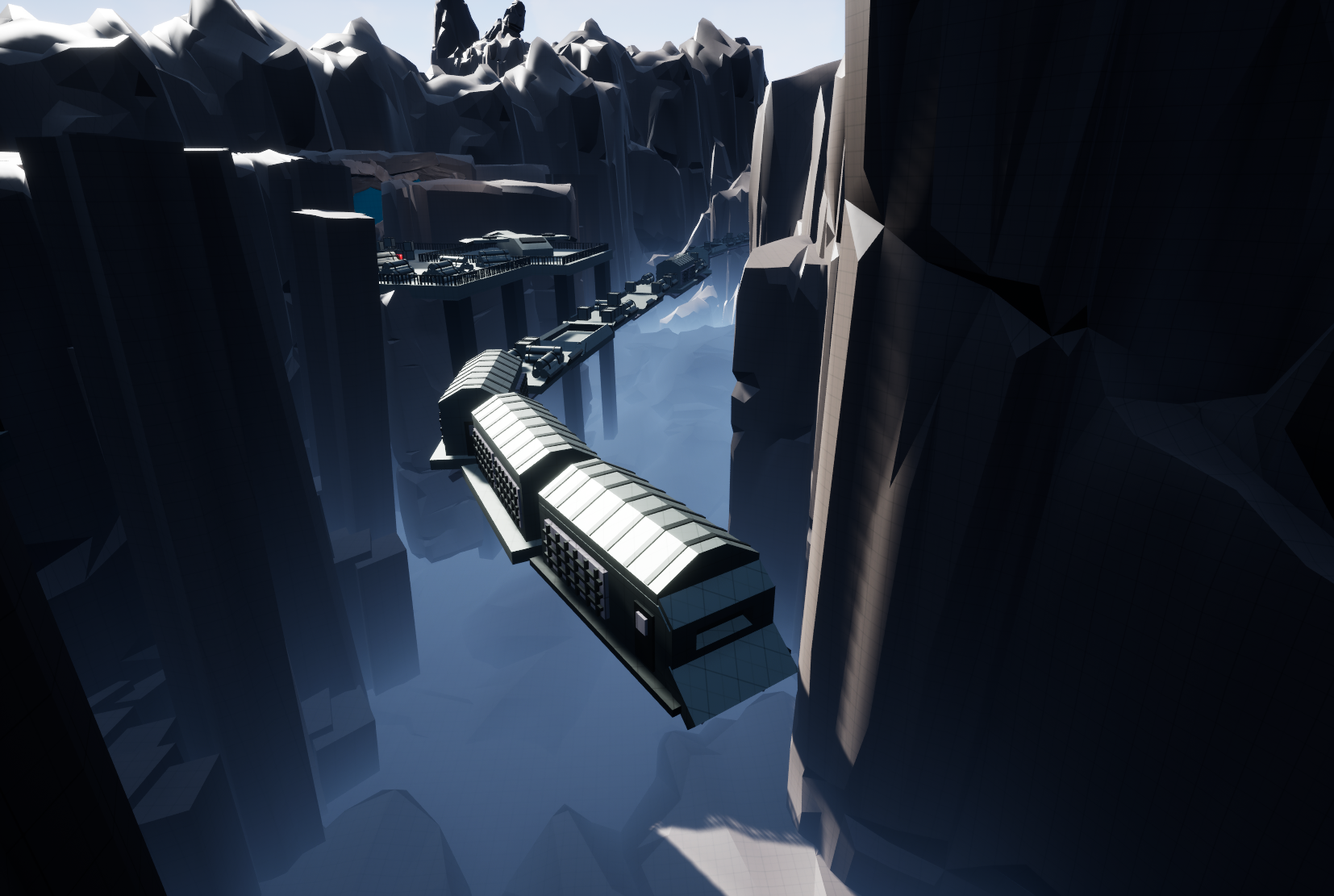
Player can see the train at the bottom showing them the goal.
Framing of the ravine provides natural leading lines guiding the player down.
Wall run spots along each side give the affordance to the player and shows the traversal path.
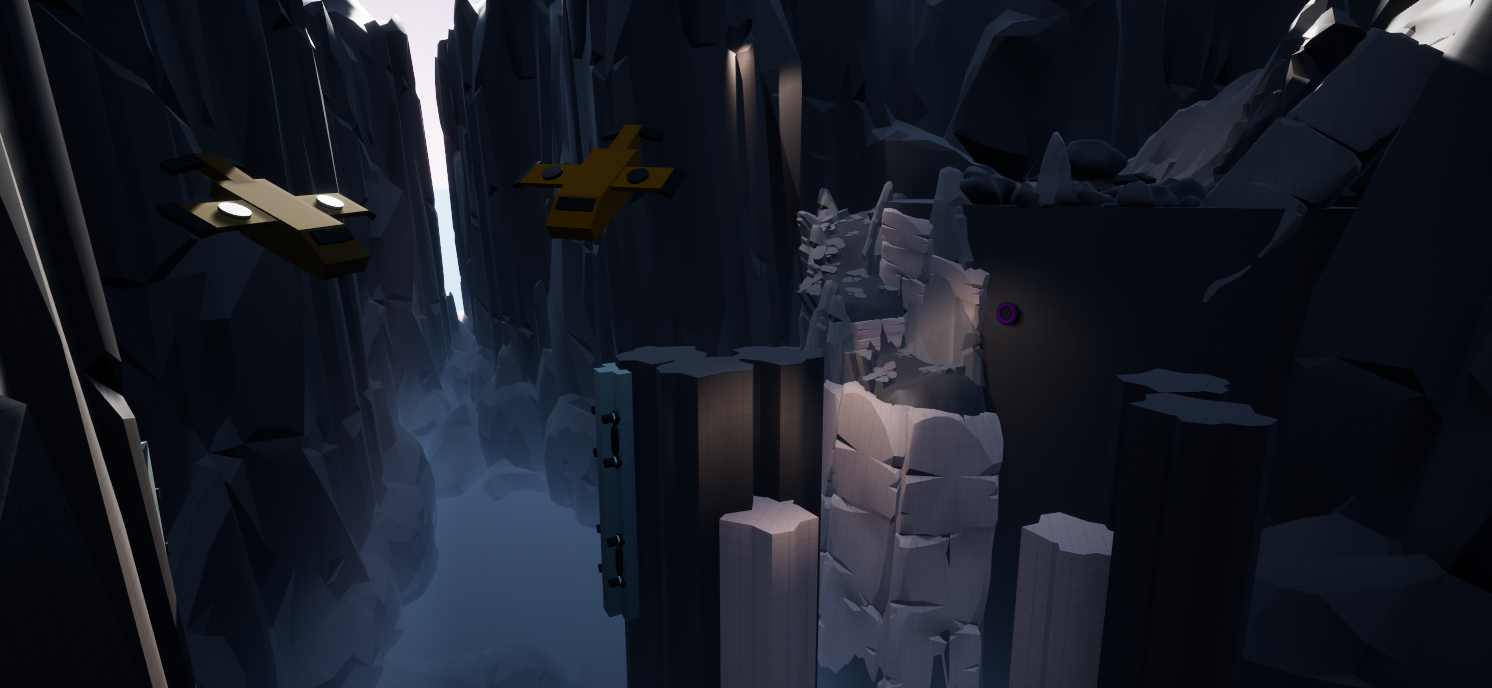
Mountain Descent
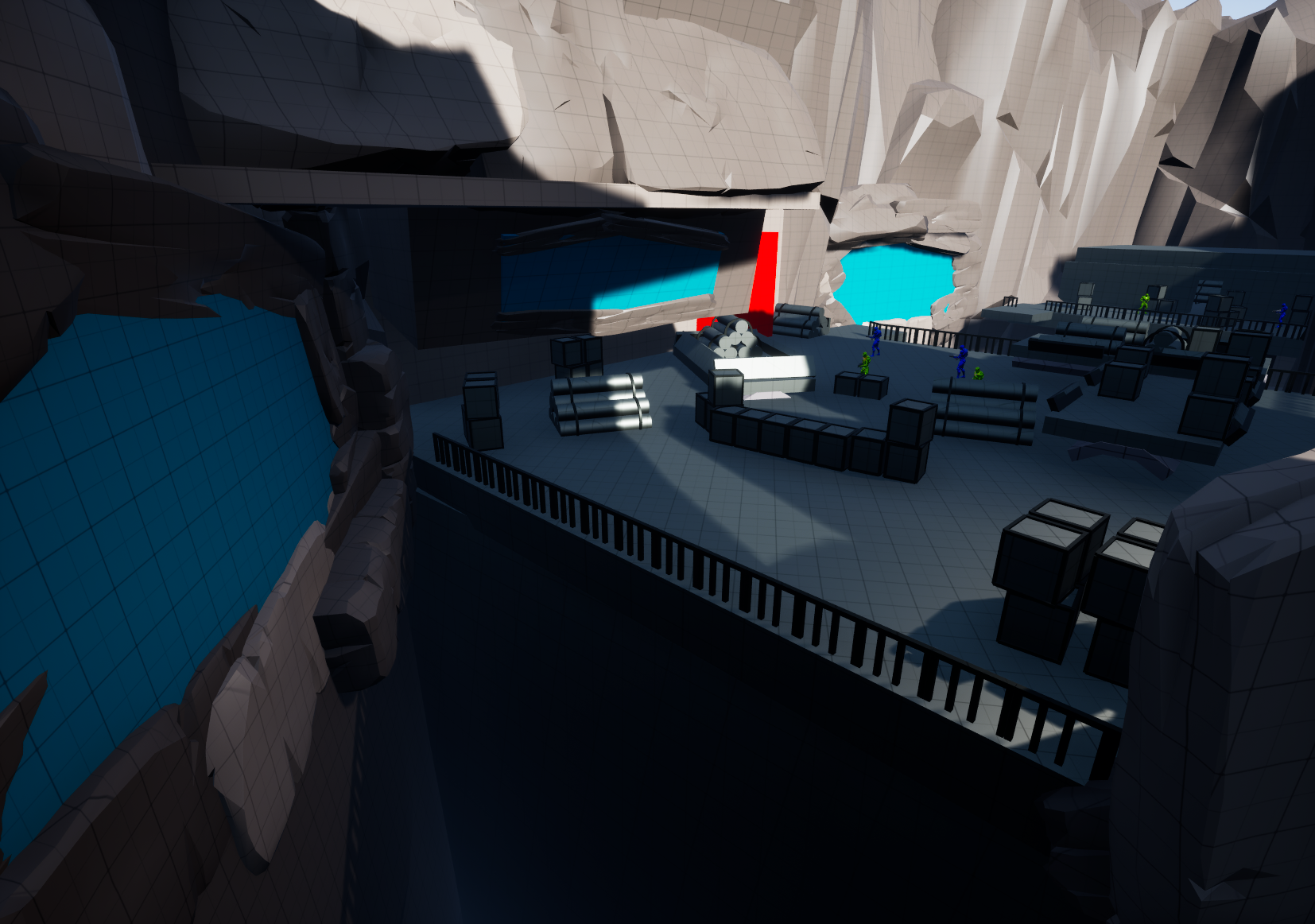
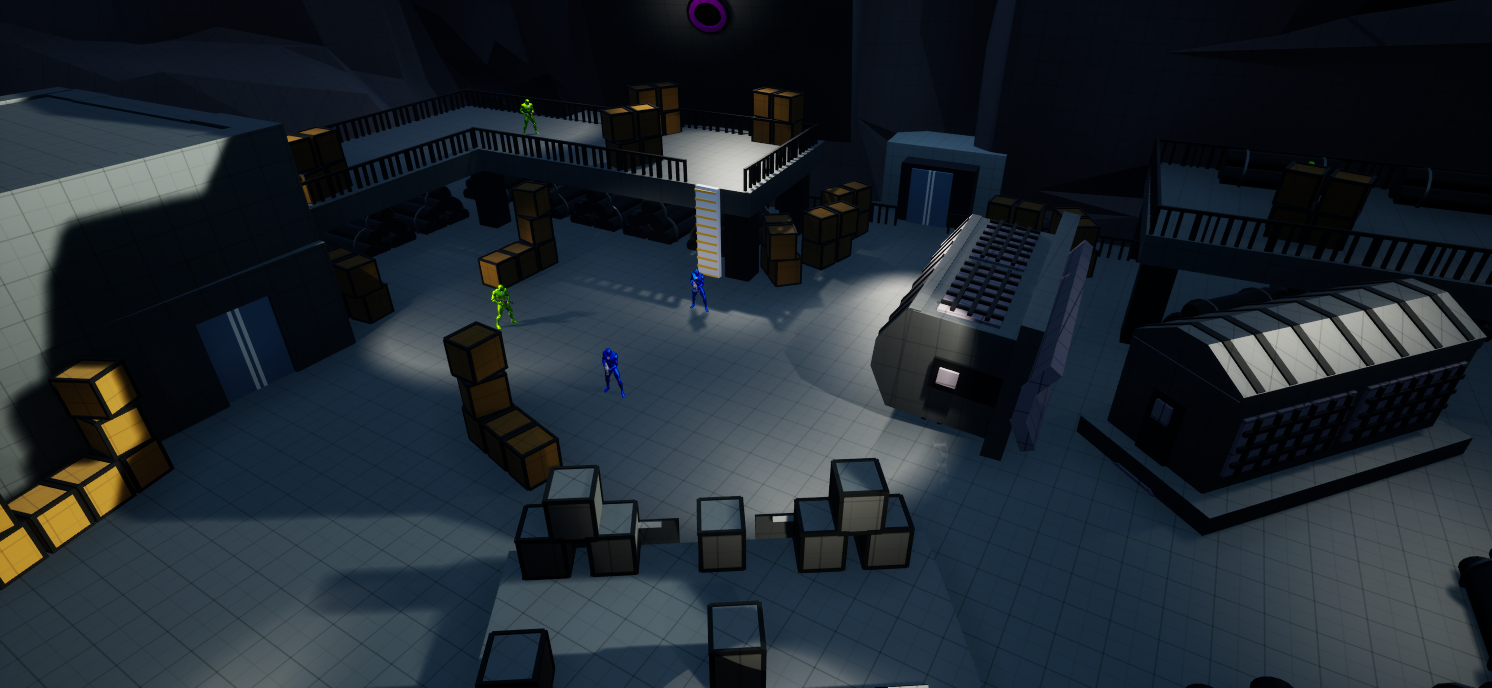
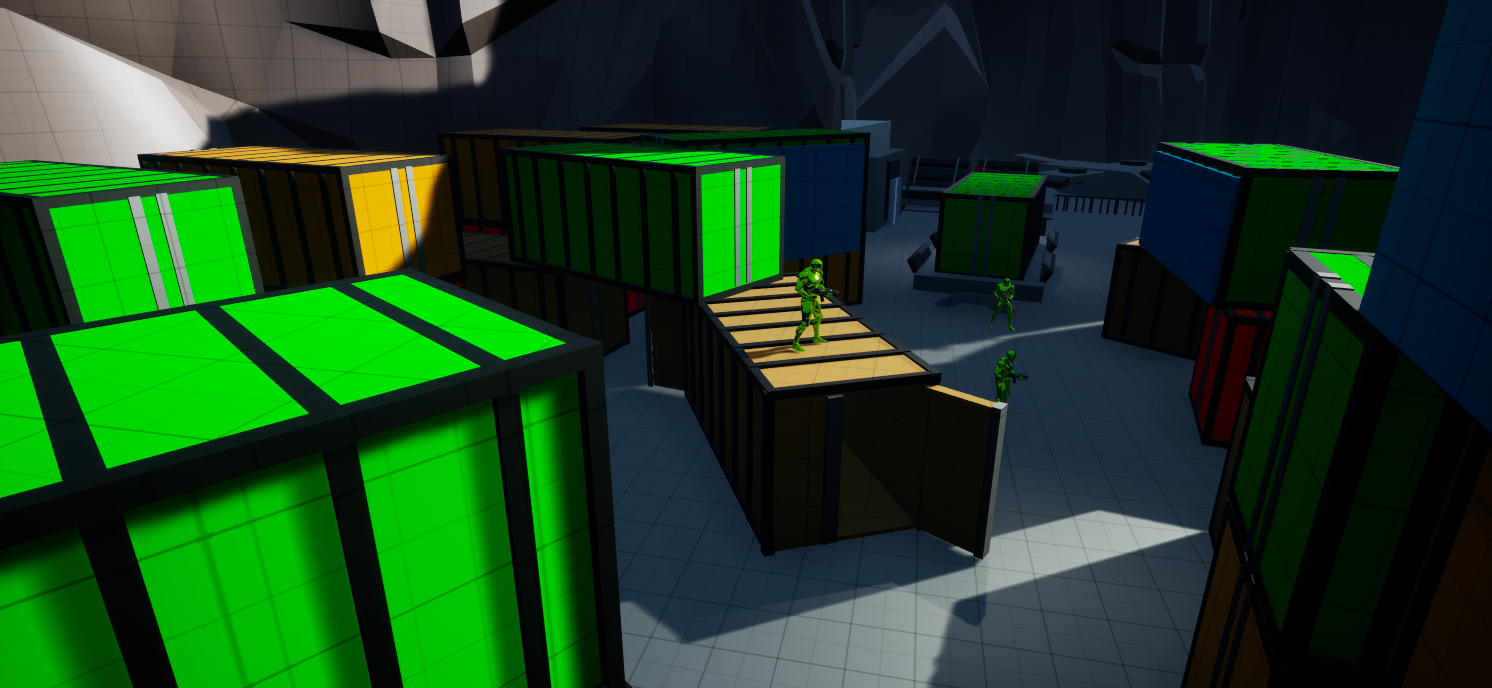
Combat Encounter
Lots of wall run opportunities to add verticality and movement.
Multiple paths through out the space to allow for different approaches and playstyles.
Lots of full and half cover via objects or set pieces creating negative space.
ITERATIONS
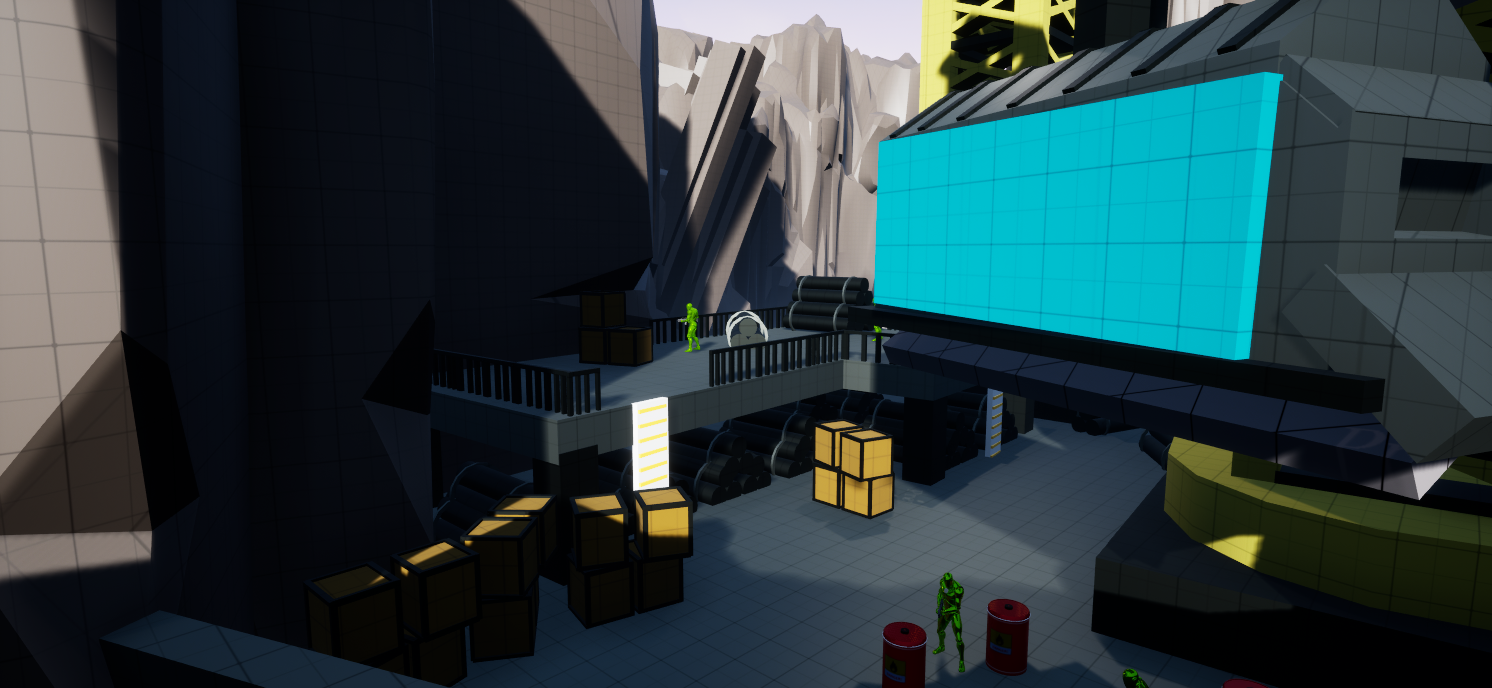
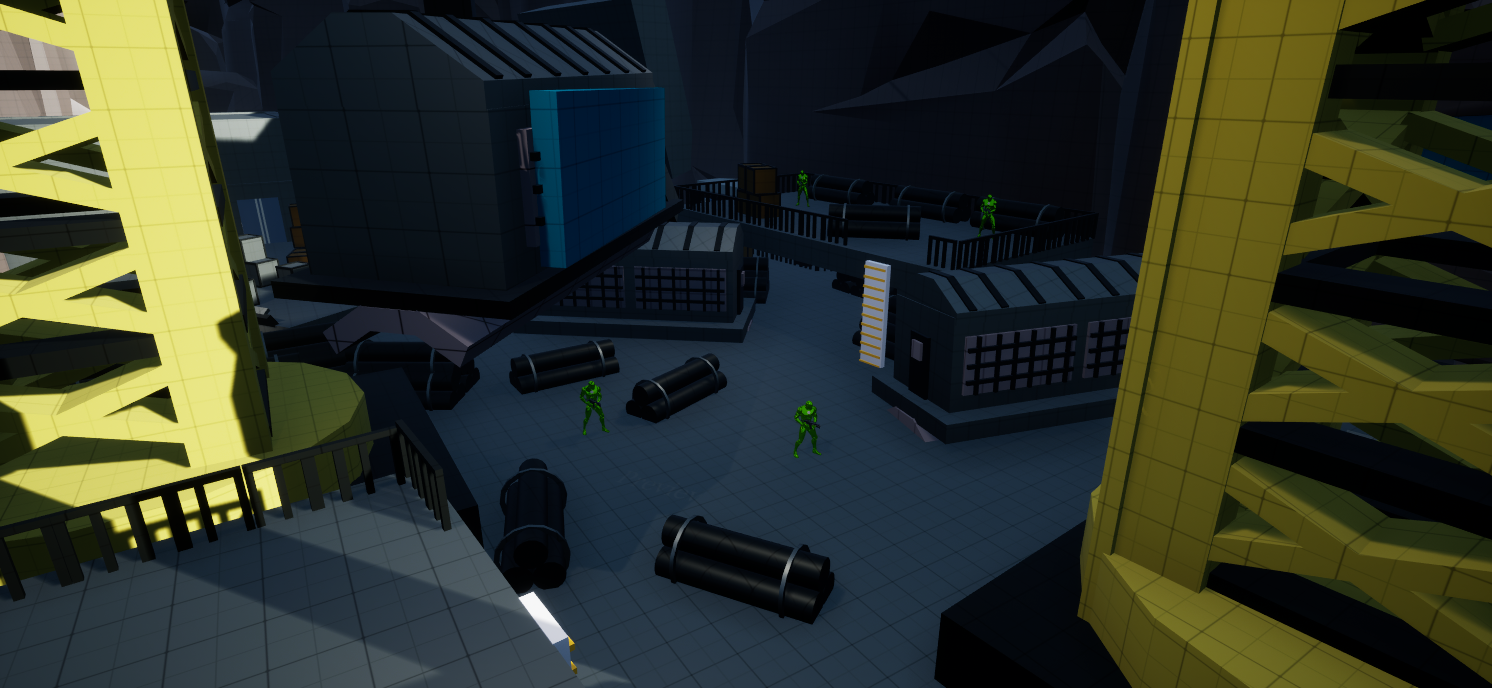
Combat Iteration
First Iteration
Combat sections felt the same.
No stand out landmarks to help orient the player.
Flat and lacked room for advance movement and combat opportunities.
Spaces were very cramped and tight and not utilizing movement.
Little room to allow different approaches and play styles.
Final Iteration
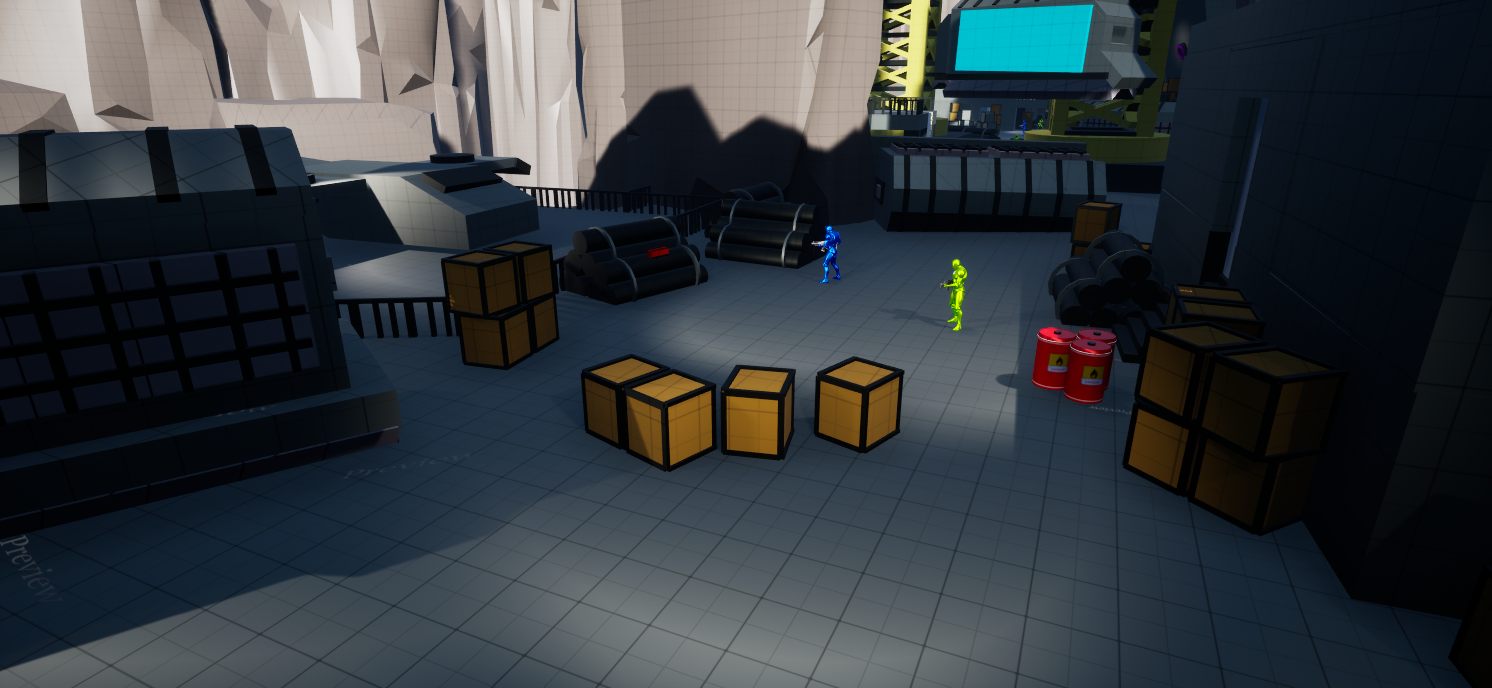
Combat sections expanded and new set pieces made them unique.
New added landmarks to help orient the player.
Added verticality, cover, and lanes to utilize the advance movement and combat opportunities.
More enemies to make each section have different level of difficulty.
various paths allowed for different player approaches and play styles.
Train gameplay iteration
First Iteration
Train sections felt boring.
Created downtime.
Lost all form of movement and combat.
Became “waiting sections” rather than staying dynamic.
No way to force the player off the train.
Cover on the train served no purpose outside of set dressing the train cars.
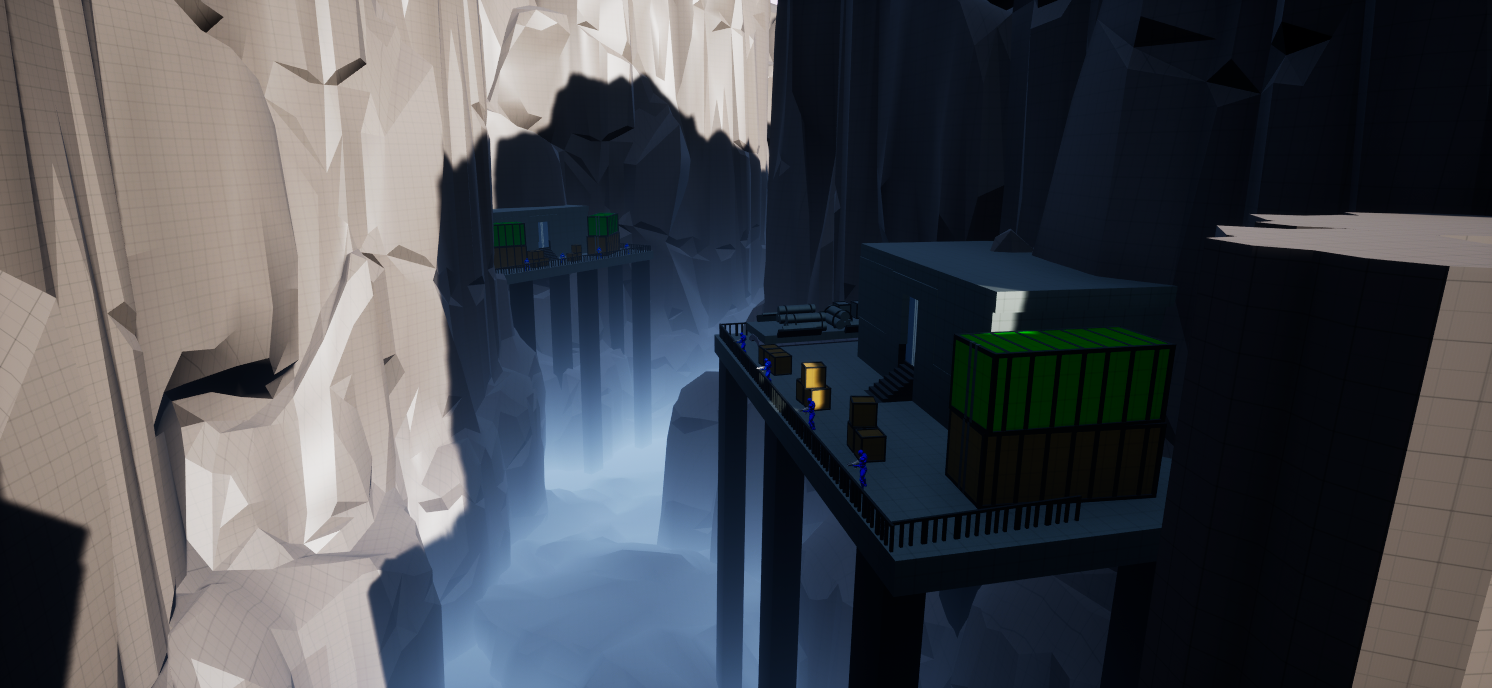
Final Iteration
Train sections are more exciting and dynamic.
Eliminated downtime.
Added enemies on the train for combat.
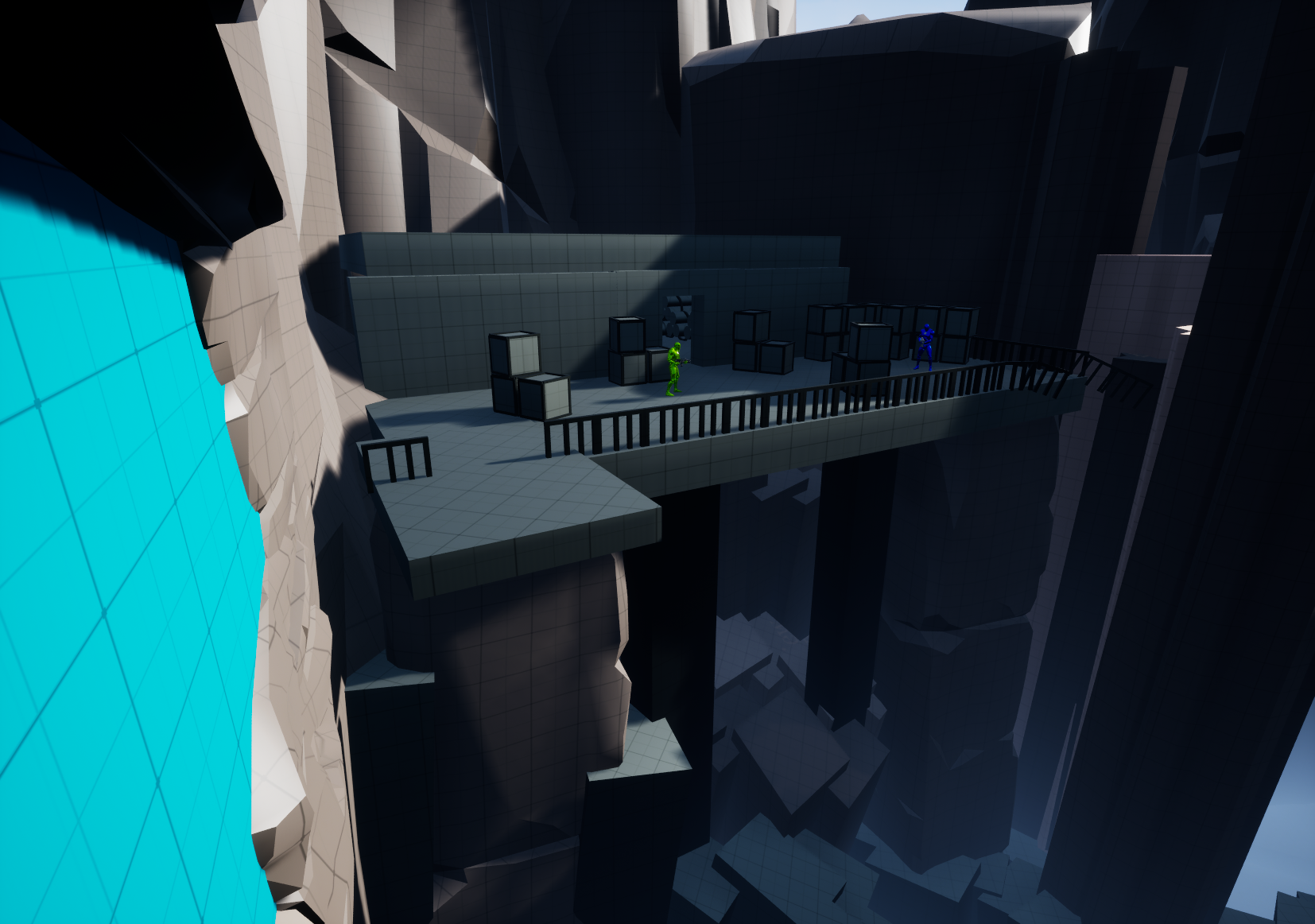
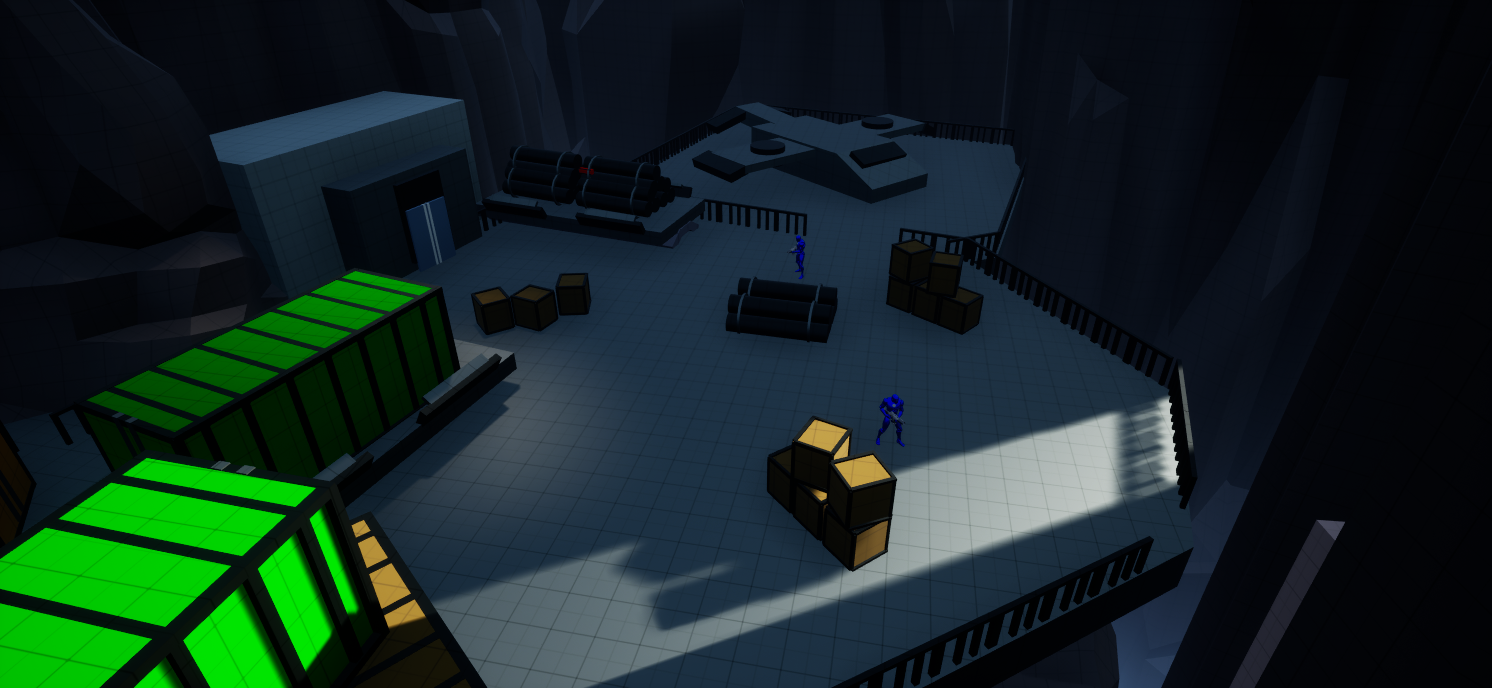
Added enemy platforms on the side of the mountain to shoot at the player for more high tense moments.
Mountain enemies made cover on the train serve a purpose.
Laser gates made to force the player off the train.
TRAIN BLUEPRINT
The train is the center piece that the player will be moving throughout the level on. The train is vital for my level as it pushes the player forward and makes the level constantly moving. Having this aspect is something important to Titanfall 2 as movement is at the center of that game and having something that intrinsically gives the player a feeling of urgency to move helps align with Titianfall 2’s gameplay.
Train made using a moving spline
Train Blueprint
Train works with in game check points. Resets to position when check point was activated upon player death.
Train Reset Blueprint